Practice
Explore interactive 3D controllers and learn what each control does.
 HarmovioDownload
Mix your way, with AI when you want it. Take the decks, get suggestions, or hand over the mix—all in one DJ app.
Meet the redesigned Harmovio. Download opens the current App Store version; the experience shown here is not available in that version.
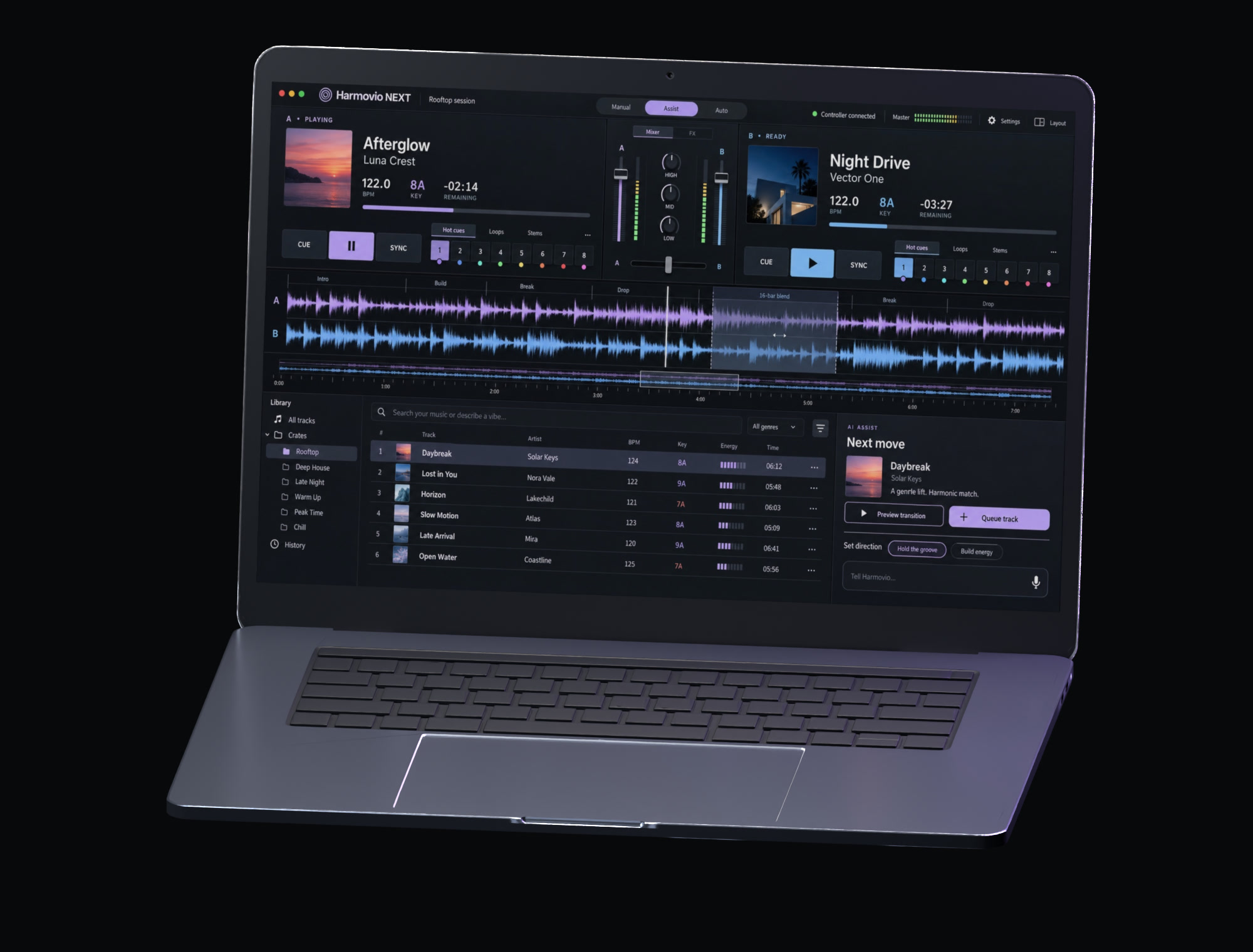
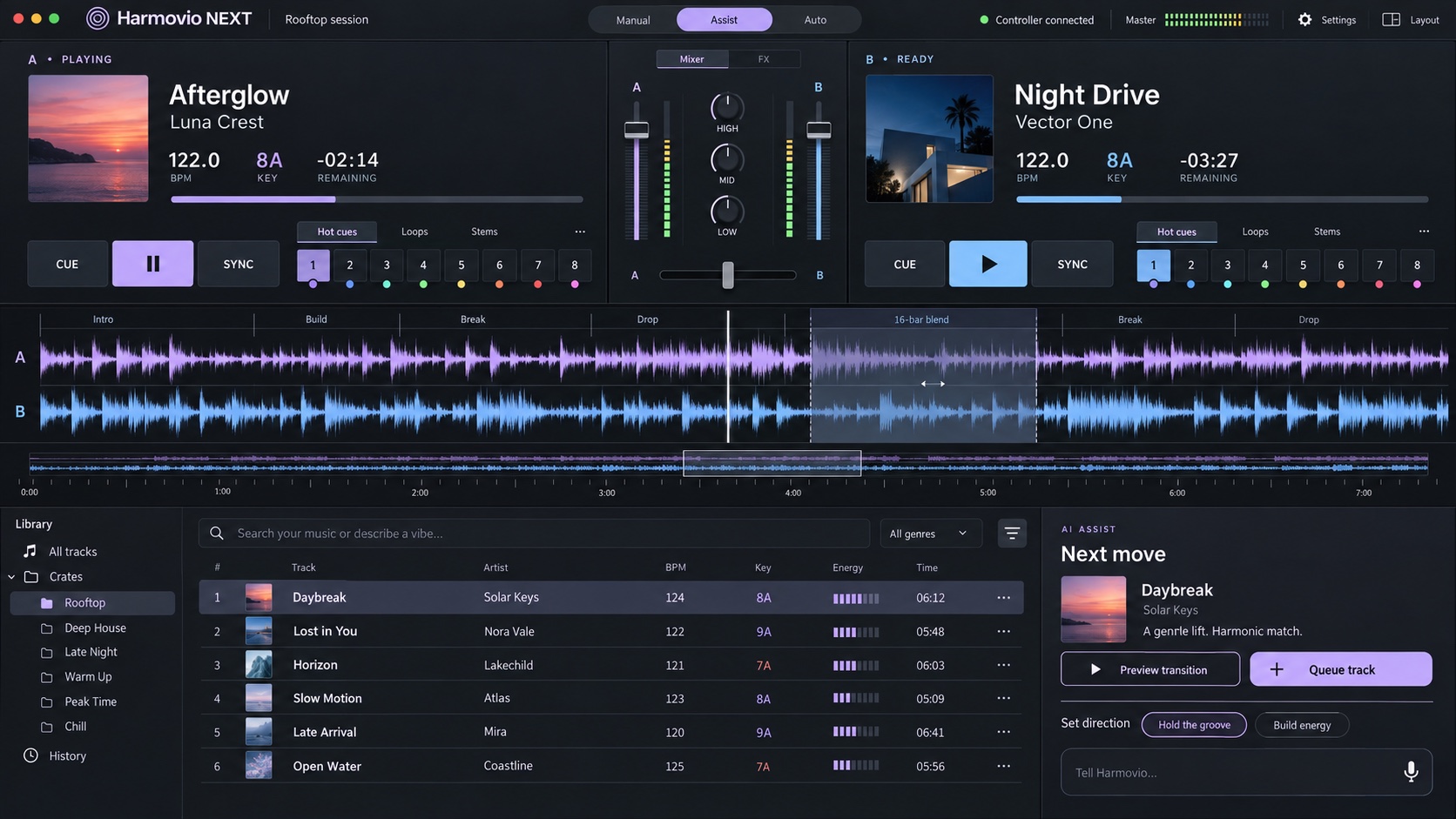
Find your next track and a way to blend it. AI makes suggestions; you choose what makes the cut.
Build your skills where you use them. Practice a transition, get feedback, and work on the next one with your AI coach.
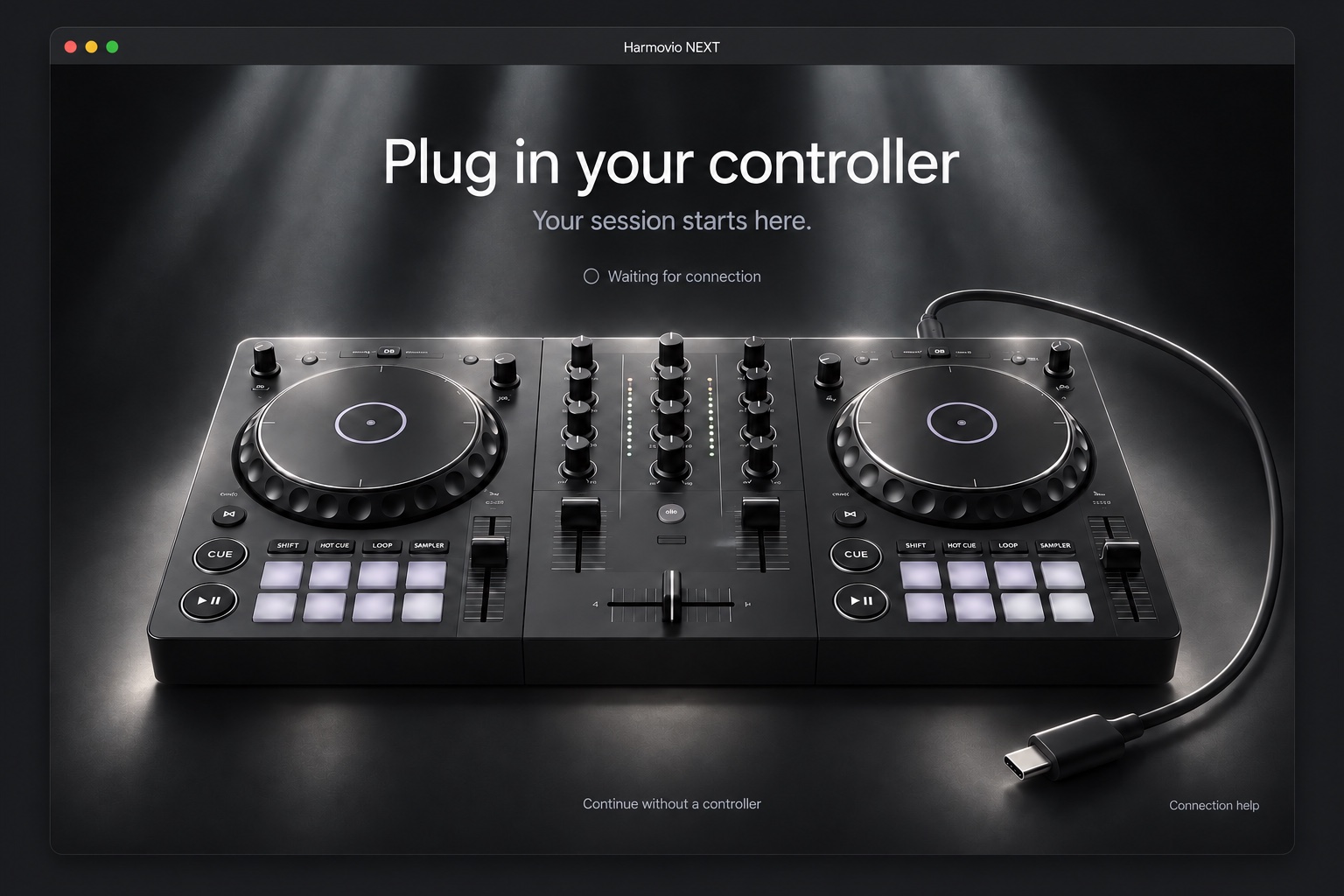
Explore interactive 3D controllers and learn what each control does.
Get AI scores on your transitions so you know what to work on next.
Ask a question and get a personal lesson built around what you want to learn.
Keep the controls you need within reach. Resize and rearrange your decks, mixer, and library, then save your setup.
Plans for the redesigned Harmovio. See the App Store for the current app’s subscriptions and included features.
You take the decks.
$0Free to use
No paid subscription required.
AI on the decks. A coach in your corner.
$9.99/ month
Harmovio is a DJ app for mixing your music, with Manual, Assist, and Auto modes, a customizable workspace, and hands-on learning with Harmovio Academy.
The plans above describe the redesigned Harmovio. For the currently available app, see the App Store for subscriptions, included features, and pricing in your region.
You choose. Manual puts every track and transition in your hands. Assist suggests what to play and how to transition; you decide what to use. Auto handles the mix autonomously, and you can switch back to Manual whenever you want.
You can mix without a DJ controller. For help with a specific controller, contact support with your controller model and Harmovio version.
Check Harmovio’s App Store listing for compatible devices and operating-system requirements.
Visit Harmovio Support for help with your library, subscription, or app. Include your Harmovio version so we can give you the right guidance.
Still have a question? Get in touch